

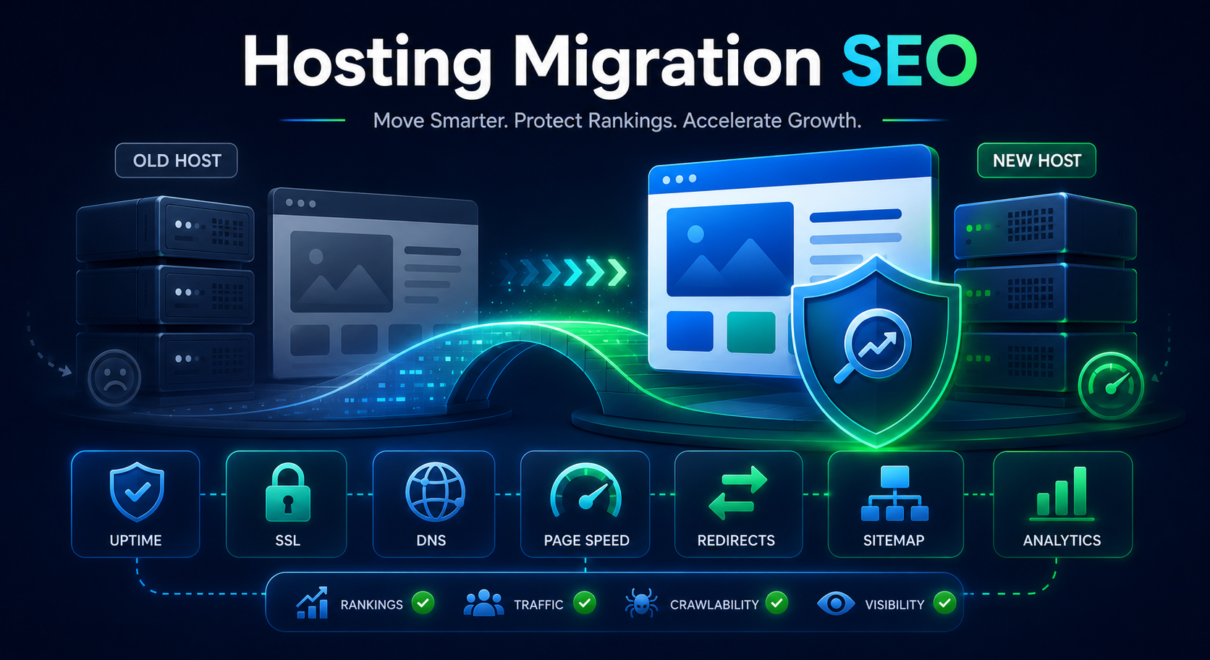
Moving a website to a new host can improve speed, reliability, security, scalability, and overall user experience. But from an SEO perspective, hosting migration should be handled carefully.
A hosting move may seem simple if the domain, design, content, and URLs stay the same. In reality, even a hosting-only migration can affect crawlability, server response, page speed, SSL configuration, redirects, DNS resolution, uptime, tracking, and how search engines access the site.
If something goes wrong, rankings and organic traffic can drop.
That is why SEO should be part of the hosting migration process before the site is moved, not only after problems appear.
This guide explains how to move a website to a new host without losing SEO rankings, what to check before and after the migration, and when a professional website migration SEO review may be needed.
Why Hosting Migration Can Affect SEO
A hosting migration does not always change the website’s visible design, but it can still affect technical SEO.
Search engines need to access, crawl, render, and index website pages reliably. If the new hosting environment creates errors, downtime, slower loading, incorrect redirects, broken SSL, or server misconfiguration, SEO performance may be affected.
Hosting migration can influence:
- server response time
- crawlability
- uptime
- SSL/HTTPS setup
- redirects
- canonical consistency
- page speed
- Core Web Vitals
- DNS resolution
- robots.txt accessibility
- sitemap availability
- tracking and analytics
- security settings
- caching behavior
- mobile performance
A smooth hosting migration should preserve the same SEO signals while improving technical performance.
The main goal is simple: Google should see the same important pages, with the same URLs, same indexability, same content, and better technical stability.
Start With a Pre-Migration SEO Baseline
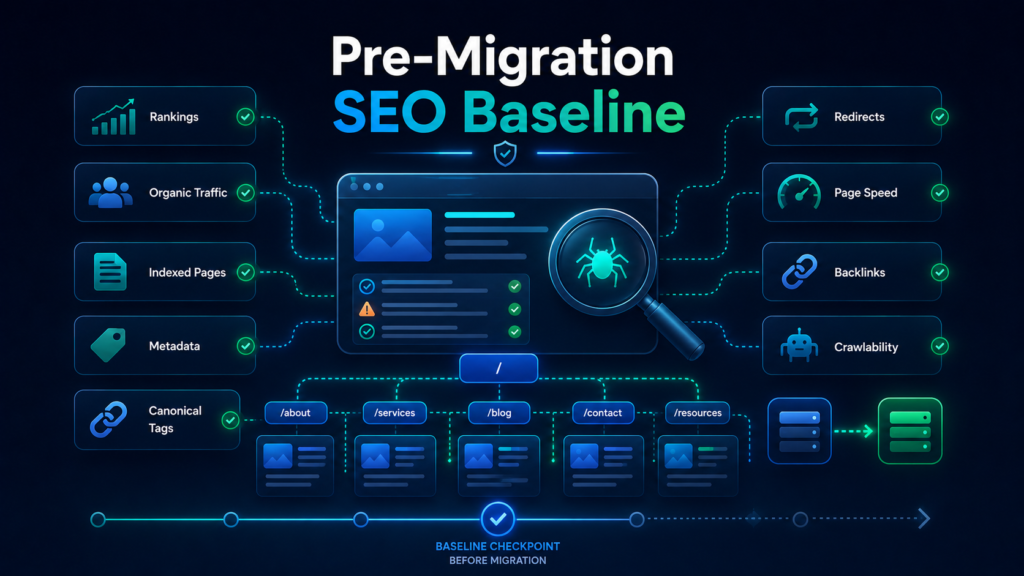
Before moving the website, document the current SEO state.
This gives you a baseline to compare after launch. If traffic or rankings change, you need to know what changed and when.
Before migration, record:
- current organic traffic
- current keyword rankings
- top landing pages from organic search
- indexed pages
- current sitemap URLs
- current robots.txt rules
- current title tags and meta descriptions
- current canonical tags
- current redirect rules
- page speed scores
- server response behavior
- important backlinks
- Google Search Console data
You should also crawl the website before migration.
A crawl can show current URLs, status codes, internal links, metadata, canonicals, headings, indexability, and broken links. After the move, you can crawl the site again and compare.
Without a baseline, it becomes much harder to identify whether a post-migration SEO issue came from hosting, redirects, content, indexation, or another technical change.
Check Whether URLs Will Change
A pure hosting migration usually does not require URL changes.
Ideally, the website should keep the same:
- domain
- URL structure
- page paths
- HTTPS protocol
- trailing slash format
- canonical URLs
- internal links
If URLs are not changing, the SEO risk is lower.
But if the hosting migration is combined with a redesign, CMS change, domain change, or URL structure change, the risk becomes much higher. In that case, you need a full redirect map and a more detailed website migration SEO checklist.
Before moving the site, confirm whether any URLs will change.
If they will, every old important URL should be mapped to the closest relevant new URL with a proper 301 redirect.
Avoid redirecting all old URLs to the homepage. That can weaken relevance and may cause ranking loss.
Minimize Downtime During the Move
Downtime is one of the biggest risks during hosting migration.
If users cannot access the site, search engines may also have trouble crawling it. Short downtime is usually not a major issue, but extended downtime or repeated server errors can create problems.
To reduce risk:
- choose a low-traffic migration window
- prepare the new hosting environment in advance
- test the website before changing DNS
- lower DNS TTL before migration if appropriate
- avoid making major changes during peak business hours
- monitor uptime during the launch
- keep the old hosting active until the new setup is confirmed
- have a rollback plan
The website should not return long periods of 500 errors, DNS errors, or unavailable pages.
If Google crawls the site during extended downtime, it may temporarily reduce confidence in the affected URLs.
Test the New Hosting Environment Before Launch
Before switching the site fully to the new host, test the new environment carefully.
Do not only check whether the homepage loads.
Review:
- important service pages
- product or category pages
- blog articles
- contact forms
- checkout pages if applicable
- login areas if applicable
- redirects
- SSL certificate
- canonical tags
- robots.txt
- XML sitemap
- internal links
- images and scripts
- mobile rendering
- page speed
- structured data
- analytics tracking
For WordPress sites, check whether plugins, caching, redirects, security settings, and SEO plugin settings behave correctly on the new host.
For ecommerce websites, test product pages, category pages, cart behavior, checkout, filters, search, tracking scripts, and canonical settings.
For custom websites, make sure server rules, redirects, headers, and dynamic pages work correctly.
A hosting migration can look successful from a visual perspective while still creating SEO problems behind the scenes.
Check SSL and HTTPS Configuration
SSL problems can affect both users and search engines.
After migration, confirm that the website loads correctly on HTTPS and that HTTP versions redirect properly to HTTPS.
Check:
- SSL certificate is installed correctly
- no browser security warnings appear
- HTTP redirects to HTTPS
- www/non-www version is consistent
- canonical tags use HTTPS
- internal links use HTTPS
- sitemap uses HTTPS URLs
- images and scripts do not create mixed content issues
- redirect chains are avoided
A common mistake is launching the site with the correct HTTPS version visible to users but leaving canonicals, sitemaps, or internal links pointing to old HTTP URLs.
This creates unnecessary confusion.
The live version, canonical version, sitemap version, and internal link version should all be consistent.
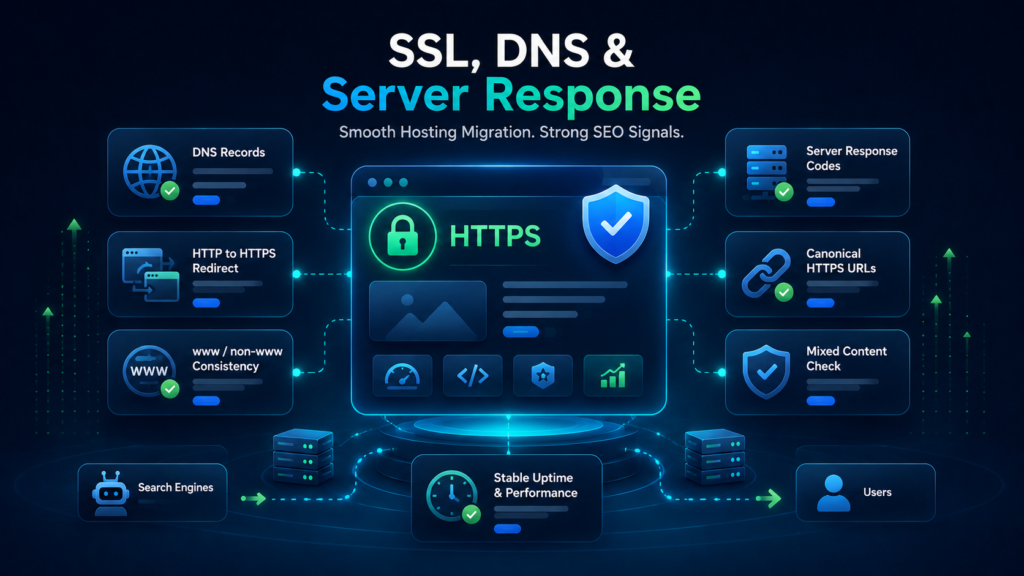
Review DNS and Server Response
DNS changes can affect how quickly users and search engines reach the new hosting environment.
During migration, DNS propagation may take time. Some visitors may reach the old server while others reach the new one. This is normal, but the transition should be managed carefully.
Check:
- DNS records are correct
- domain points to the new server
- old hosting remains active during propagation
- server response codes are correct
- important URLs return 200 status codes
- redirects work correctly
- no unexpected 500 errors appear
- no intermittent outages occur
Server response stability matters because search engines need reliable access.
If the new host creates intermittent errors, crawl issues may appear in Google Search Console.
Preserve Robots.txt and XML Sitemaps
Robots.txt and XML sitemaps are easy to overlook during hosting migration.
After moving the website, check that robots.txt is accessible and not blocking important pages.
The robots.txt file should not accidentally block:
- main pages
- blog posts
- service pages
- product pages
- category pages
- important scripts or resources
- sitemap access
Also check the XML sitemap.
The sitemap should include:
- correct live URLs
- HTTPS URLs
- canonical URLs only
- no staging URLs
- no old host URLs
- no redirected URLs
- no noindex URLs
- no broken URLs
If the site uses an SEO plugin or CMS-generated sitemap, make sure it still works correctly after migration.
Submit or resubmit the sitemap in Google Search Console if needed.
Make Sure No Staging Settings Go Live
Many websites are tested on a staging environment before migration.
That is good practice, but staging settings can create SEO problems if they are carried over to the live site.
Check that the live site does not include:
- noindex tags from staging
- robots.txt blocks from staging
- password protection
- staging canonical URLs
- staging sitemap URLs
- staging internal links
- blocked scripts or resources
- temporary development redirects
- test content
- placeholder metadata
A single noindex setting left on important pages can cause serious SEO damage.
Immediately after launch, inspect several high-value pages manually and with SEO tools.
Preserve Important Content and Metadata
If the hosting migration is truly hosting-only, content and metadata should not change.
However, many migrations happen together with other updates. Developers may change templates, plugins, themes, caching, or CMS settings during the move.
Check that important pages preserve:
- title tags
- meta descriptions
- H1 headings
- main body content
- FAQs
- internal links
- images
- alt text where relevant
- schema markup
- canonical tags
- page layout
- tracking scripts
If the migration accidentally removes content or changes metadata, rankings may drop even if the hosting move itself was technically successful.
For important SEO pages, compare old and new versions.
Test Redirects Carefully
Even if URLs are not changing, redirects may still be affected by hosting migration.
Redirect rules can live in:
- .htaccess files
- Nginx configuration
- hosting control panels
- WordPress plugins
- CMS settings
- CDN rules
- Cloudflare rules
- server-level configuration
When moving hosts, some redirect rules may not carry over automatically.
Test:
- HTTP to HTTPS redirects
- www to non-www or non-www to www redirects
- old redirected URLs
- trailing slash behavior
- uppercase/lowercase URL behavior
- legacy URLs with backlinks
- deleted page redirects
- redirect chains
- redirect loops
If old high-value URLs stop redirecting correctly, SEO value may be lost.
Redirect testing is especially important if the website has been around for years and has many old URLs or historical backlinks.
Review Page Speed After Migration
One reason to move hosting is to improve performance.
But hosting migration can also make speed worse if caching, CDN, images, scripts, database settings, or server resources are not configured correctly.
After migration, test page speed on:
- homepage
- main service pages
- top blog pages
- product/category pages
- landing pages
- mobile pages
Check:
- server response time
- Largest Contentful Paint
- Interaction to Next Paint
- Cumulative Layout Shift
- render-blocking scripts
- image optimization
- caching
- CDN setup
- database performance
- plugin behavior
- mobile performance
Speed alone does not guarantee rankings, but poor performance can affect user experience, crawl efficiency, and conversion rates.
If the new host improves server response and stability, it can support SEO indirectly.
Validate Analytics and Tracking
A hosting migration can break tracking if scripts are removed, blocked, duplicated, or placed incorrectly.
After launch, check:
- Google Analytics
- Google Tag Manager
- conversion tracking
- form tracking
- ecommerce tracking
- call tracking
- CRM integrations
- heatmap tools if used
- consent banner behavior
- UTM attribution
A tracking issue can make it look like traffic dropped when the site is actually still receiving visits.
Compare Google Analytics with Google Search Console. If Analytics shows a major traffic drop but Search Console clicks are stable, the issue may be tracking-related.
This is an important distinction. You do not want to diagnose an SEO problem when the real issue is broken analytics.
Check Google Search Console After Migration
After moving the site, monitor Google Search Console closely.
Check:
- sitemap status
- page indexing report
- crawl errors
- server errors
- redirect errors
- canonical issues
- excluded URLs
- mobile usability
- Core Web Vitals
- top pages
- top queries
- clicks
- impressions
- average position
Use URL Inspection for important pages.
Confirm that Google can crawl the page, the page is indexed, and the selected canonical is correct.
If the migration involved a domain change, Google’s Change of Address tool may be needed. For a hosting-only migration with the same domain, it is usually not required.
Monitor Rankings and Traffic After the Move
Some ranking fluctuation after a technical change is possible, but a major drop should be investigated quickly.
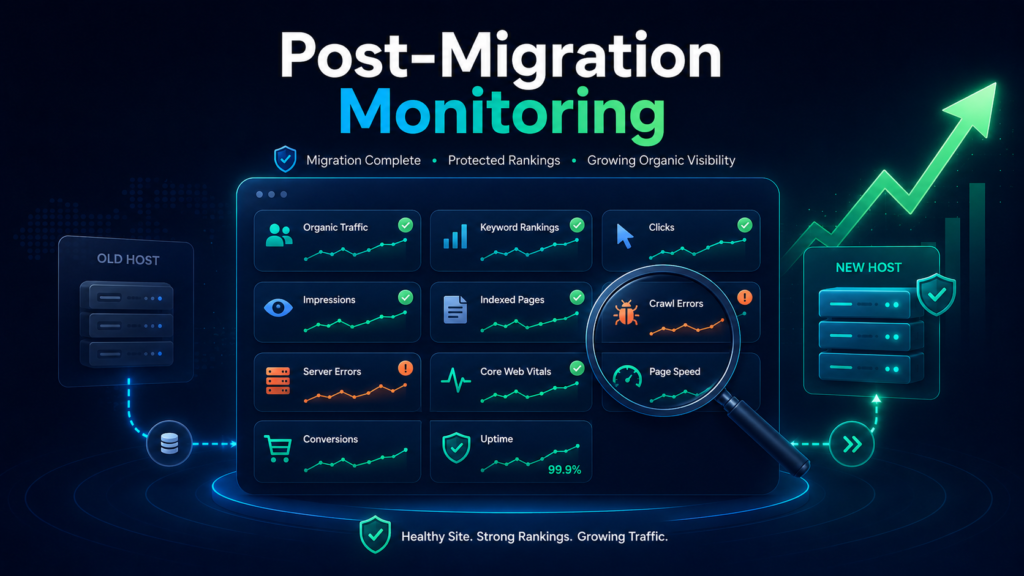
Monitor:
- organic traffic
- rankings for important keywords
- branded search visibility
- impressions in Search Console
- clicks in Search Console
- indexed page count
- crawl errors
- conversions
- page speed
- uptime
- server errors
Compare the data to your pre-migration baseline.
If rankings drop, investigate:
- redirects
- crawlability
- indexation
- canonicals
- robots.txt
- sitemap
- content changes
- internal links
- page speed
- tracking accuracy
The faster you identify a migration issue, the easier it usually is to fix.
Common Hosting Migration SEO Mistakes
Many SEO problems after hosting migration come from small technical mistakes.
Common mistakes include:
- moving the site without a pre-migration crawl
- allowing long downtime
- DNS misconfiguration
- SSL errors
- broken HTTP to HTTPS redirects
- missing old redirect rules
- noindex tags left on live pages
- robots.txt blocking important sections
- staging URLs appearing in canonicals or sitemaps
- sitemap not updating
- internal links pointing to old URLs
- tracking scripts missing
- caching breaking page elements
- slower server response after migration
- not checking Search Console after launch
- old hosting turned off too early
These mistakes are avoidable with proper preparation.
When Hosting Migration Needs SEO Support
Not every hosting migration requires a full SEO project.
A small website with no organic traffic and no URL changes may only need basic technical checks.
However, SEO support is recommended if:
- the site receives organic traffic
- rankings are important for leads or sales
- URLs may change
- the site is being redesigned at the same time
- the CMS or platform is changing
- the site has many pages
- ecommerce pages are involved
- the site has valuable backlinks
- the business relies on local rankings
- previous migrations caused ranking drops
- the team is unsure about redirects, canonicals, or indexation
A professional website migration SEO audit can help identify risks before the move and validate the site after launch.
This is especially useful when the migration affects business-critical organic traffic.
Hosting Migration SEO Checklist
Here is a simplified checklist for moving to a new host without losing SEO rankings:
- Crawl the existing website
- Export organic traffic and ranking data
- Identify high-value pages
- Check whether URLs will change
- Prepare redirect rules if needed
- Test the new hosting environment
- Confirm SSL and HTTPS setup
- Validate DNS and server response
- Preserve robots.txt and sitemap settings
- Remove staging noindex settings before launch
- Preserve content and metadata
- Test redirects
- Check internal links
- Validate structured data
- Test page speed
- Confirm analytics and tracking
- Monitor uptime
- Submit or check sitemap in Search Console
- Inspect important URLs
- Monitor rankings and traffic after launch
This checklist can reduce risk, but larger websites may need a more detailed migration plan.
Move the Website, Preserve the Search Value
A hosting migration can be a smart move, especially if the new host improves speed, uptime, security, and scalability. But the migration should not put existing SEO performance at risk.
The safest approach is to document the current site, test the new environment, preserve URLs and redirects, check SSL and server response, validate robots.txt and sitemaps, confirm tracking, and monitor Search Console after launch.
A smooth migration should be almost invisible to search engines. The site should remain crawlable, indexable, fast, secure, and technically consistent.
If your website depends on organic traffic, a website migration SEO audit can help protect rankings before the move and identify technical issues before they become traffic loss problems.